
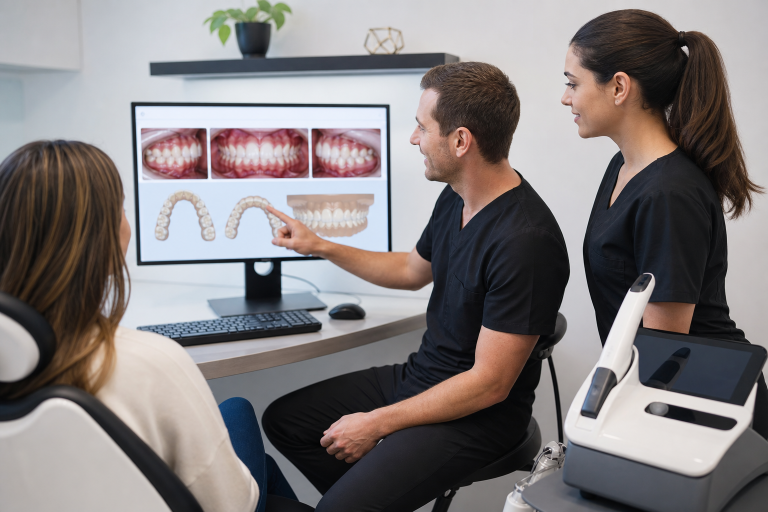
Orthodontic treatment involves a long chain of connected decisions, including records collection, diagnosis, treatment planning, appliance design, laboratory communication, progress visits, and retention. When even one step is unclear or delayed, the patient experience can suffer. A coordinated Digital Orthodontic Lab workflow can help practices move information through that chain more efficiently while keeping the focus on clinical quality.
The purpose of digital dentistry is not simply to add more screens, scanners, or software subscriptions. The better goal is to remove avoidable friction, such as repeated data entry, misplaced records, physical model storage, unclear lab instructions, and appointments that cannot move forward because a required file is missing.
Table of Contents
- 1 Why Orthodontic Workflows Are Changing
- 2 What a Digital Orthodontic Workflow Includes
- 3 Where Digital Tools Can Save Time
- 4 How Intraoral Scanning Can Improve the Patient Experience
- 5 From Scan to Treatment Plan
- 6 Cloud Collaboration, Privacy, and File Control
- 7 3D Printing and the Physical Side of Digital Care
- 8 Clearer Patient Communication
- 9 Common Problems With Digital Adoption
- 10 A Practical Adoption Plan for 2026
- 11 Final Checklist for a Smoother Workflow
- 12 Conclusion
Why Orthodontic Workflows Are Changing
Traditional workflows may require paper forms, physical impressions, poured models, manual measurements, and separate systems for imaging, scheduling, and laboratory communication. Each handoff creates another chance for a delay or misunderstanding. Digital records can bring scans, photographs, radiographs, notes, and treatment files into a more accessible case record.
That does not mean every practice needs to become fully digital at once. A useful workflow starts by identifying the steps that create the most waiting, rework, or confusion, then selecting technology that solves a defined problem.
What a Digital Orthodontic Workflow Includes
- Digital records: Organized scans, photographs, radiographs, health history, and clinical notes.
- Case planning: Software that helps the orthodontic team review records and prepare treatment options.
- Team collaboration: Secure methods for sharing approved information with assistants, specialists, technicians, and laboratories.
- Digital manufacturing: Computer-aided design and 3D printing for models, retainers, guides, or other treatment-related items.
- Follow-up: Digital communication and monitoring tools that can support patients between visits when used appropriately.
Where Digital Tools Can Save Time
Digital files can reduce the need to locate, copy, mail, or physically store records. Before a consultation, a team member can confirm that the scan, photographs, imaging, and notes are complete. The orthodontist can then spend more of the appointment discussing clinical findings and patient goals instead of searching for missing information.
For example, a patient may arrive for a consultation after the team has already reviewed the scan, profile photographs, and referral notes. The visit can focus on treatment choices, timing, risks, and expectations. However, time savings depend on the organization. Poor file names, inconsistent folders, and incomplete uploads can create digital delays that are just as frustrating as paper-based ones.
How Intraoral Scanning Can Improve the Patient Experience
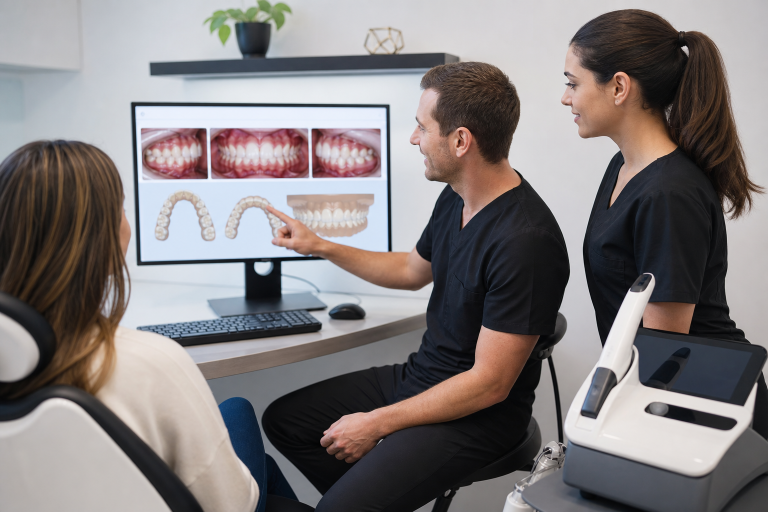
Digital scans can replace some traditional impression procedures with a three-dimensional record of the teeth and surrounding structures. For many patients, this can mean less mess, fewer physical materials, and a more visual appointment. It may be especially helpful for children, patients with a strong gag reflex, and people who find conventional impressions uncomfortable.
Research has found that intraoral scanning can offer good reproducibility, shorter scanning time, and better patient comfort in many orthodontic uses, although accuracy and performance still depend on the clinical situation and technique. A systematic review of intraoral scanning in orthodontics also highlights the importance of operator experience and appropriate case selection.
A scan is not automatically better because it is digital. Moisture control, patient cooperation, complete coverage, scan-path technique, and review for missing areas all affect the final file. The team should inspect the scan before it is sent to the next stage.
From Scan to Treatment Plan
- Capture digital records and verify that the correct patient and date are attached.
- Check scans and images for missing areas, artifacts, or poor quality.
- Combine scan data with photographs and radiographic findings when appropriate.
- Review the case with the orthodontic team and relevant specialists.
- Create a plan based on clinical findings, patient needs, and realistic goals.
- Use clear visuals and plain language to explain the recommended next steps.
- Document the decision, instructions, and follow-up plan.
Digital planning can make records easier to view and compare, but diagnosis and treatment decisions remain the responsibility of trained dental professionals.
Cloud Collaboration, Privacy, and File Control
Secure cloud-based platforms can help approved users access case files from different locations. This may support laboratory communication, referrals, team review, and patient transfers. Convenience should never outweigh privacy. Practices need role-based permissions, strong passwords, access reviews, secure backups, and a clear plan for technical downtime.
Before adopting a platform, ask where data is stored, who owns it, how often it is backed up, whether files can be exported, and what happens if a subscription ends. Practices handling protected health information should also understand their responsibilities under the HIPAA Privacy Rule.
3D Printing and the Physical Side of Digital Care
A digital file can support the production of physical models, retainers, indirect bonding trays, guides, and other orthodontic items. Yet digital design and physical production are separate quality-control steps. Teams should verify fit, surface quality, material selection, labeling, and patient-specific instructions before an item is delivered.
Digital files may reduce the need to store large numbers of plaster models, but they create new responsibilities. Files must be labeled consistently, retained according to practice policy, and protected from accidental deletion or unauthorized access.
Clearer Patient Communication
Scans, photographs, and digital models can help patients see their starting point and understand what may happen during treatment. Visual explanations are often easier to follow than technical descriptions alone. Still, teams should avoid presenting simulations as guarantees. Biological response, patient compliance, growth, and treatment changes can affect the final outcome.
Practical Communication Tips
- Use plain language and explain one stage at a time.
- Invite questions before moving to the next topic.
- Explain which parts of the treatment may change.
- Provide written instructions after the visit.
- Ask patients whether the explanation was clear.
Common Problems With Digital Adoption
- Startup costs: Hardware, software, maintenance, and training require planning.
- Learning curves: Teams need time to build confidence and consistent habits.
- Compatibility issues: Not all systems exchange files smoothly.
- Data overload: More information is not useful if it is difficult to find.
- Technical downtime: Every practice needs a backup process.
- Overreliance on software: Automated suggestions still require professional review.
A Practical Adoption Plan for 2026
- Map the current process from the first visit through case completion.
- Identify the single bottleneck causing the most rework or waiting.
- Choose one focused improvement, such as reducing physical impressions or improving file access.
- Test the workflow with a small number of cases.
- Train the team with short written procedures and clear responsibilities.
- Track turnaround time, repeat visits, scan quality, workload, and patient feedback.
- Fix weak points before adding more tools or expanding to additional case types.
Final Checklist for a Smoother Workflow
- Use consistent file names and case labels.
- Review records before they move to the next person.
- Limit access to sensitive patient information.
- Maintain backups and a downtime procedure.
- Train new team members before they manage live cases independently.
- Review workflow results regularly and adjust when needed.
Conclusion
Digital orthodontic workflows can make care more connected, organized, and easier to manage. The strongest results come from thoughtful planning, secure systems, skilled team members, and careful clinical review. When every tool serves a clear purpose, orthodontic teams can spend less time chasing information and more time supporting patients.